Buying a New Printer in 2026: Complete Expert Guide
Buying a new printer in 2026 might seem straightforward, but the wrong choice can cost you hundreds in wasted ink, paper, and frustration. After purchasing several printers over the years and helping countless friends navigate their own decisions, I’ve learned that the real cost of a printer isn’t just its sticker price.
Last year, I made the mistake of choosing a budget printer without considering long-term ink costs. Within six months, I’d spent more on replacement cartridges than the printer itself cost. That experience taught me valuable lessons I’m sharing with you today.
Whether you’re setting up a home office, need something for occasional document printing, or require a workhorse for your small business, this guide will help you make an informed decision based on real-world experience and expert insights.
Understanding Your Printing Needs First
Before diving into technical specifications, take a moment to honestly assess how you’ll actually use your printer. I’ve seen too many people buy feature-packed machines that sit mostly unused, or budget models that can’t handle their actual workload.
Ask yourself these questions: How many pages do you print weekly? Do you need color or just black and white? Will you print photos or primarily documents? Do multiple people need access to the printer? These answers will shape every decision that follows.
When I finally sat down and tracked my printing habits for a month, I discovered I was printing far less than I thought but scanning documents almost daily. This realization completely changed my purchase criteria and saved me from buying the wrong machine.
1. Single-Function vs All-in-One Printers: Which Makes Sense?
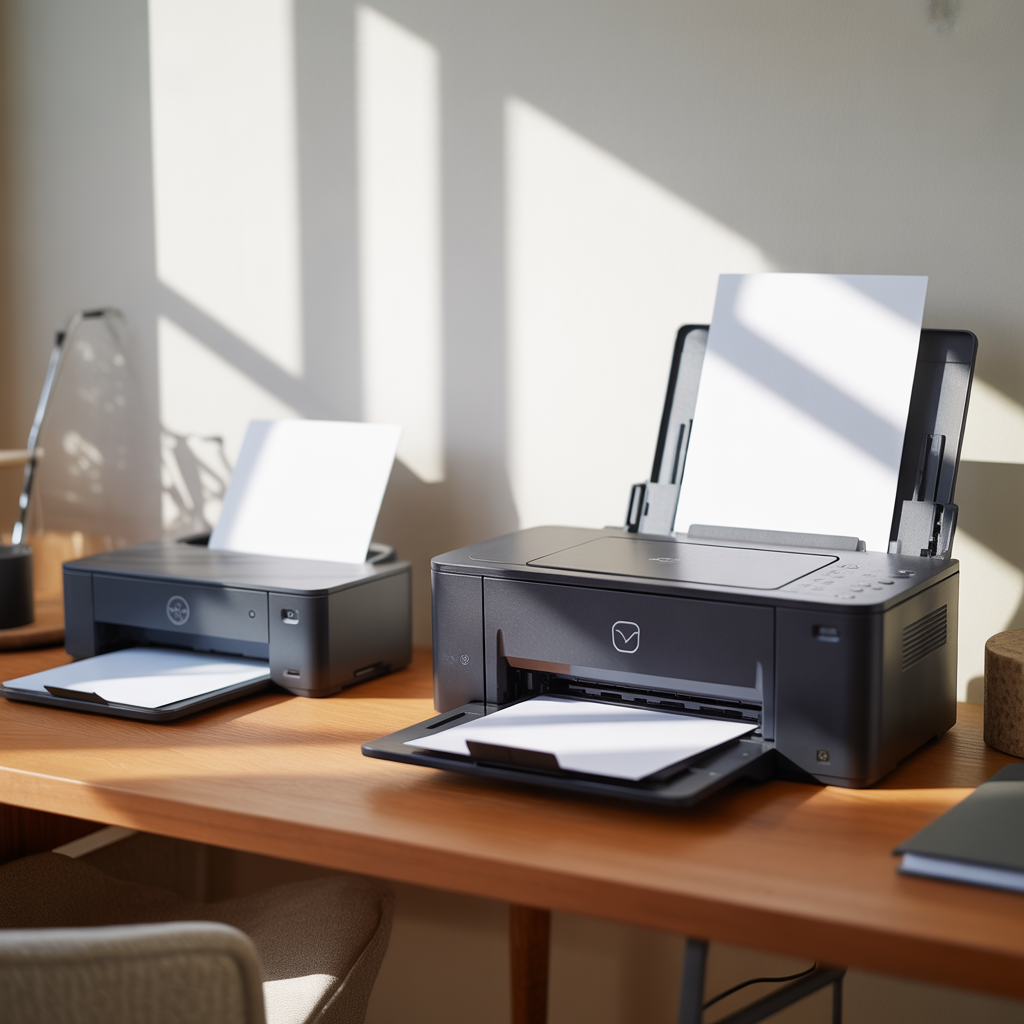
The first major decision you’ll face is whether to buy a dedicated printer or an all-in-one device that includes scanning and copying capabilities.
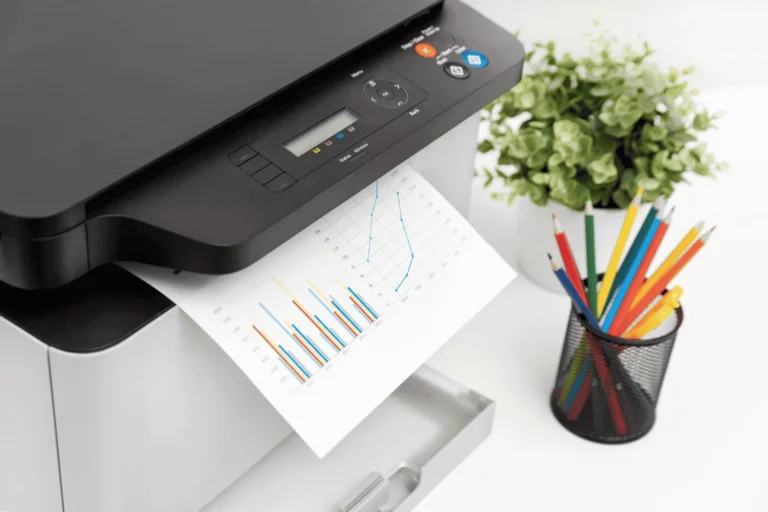
All-in-one printers offer incredible convenience. Having a single device that prints, scans, copies, and sometimes faxes saves considerable desk space. I personally use an all-in-one model because I regularly need to scan receipts for taxes, copy important documents, and occasionally digitize old photos. The versatility has proven invaluable.
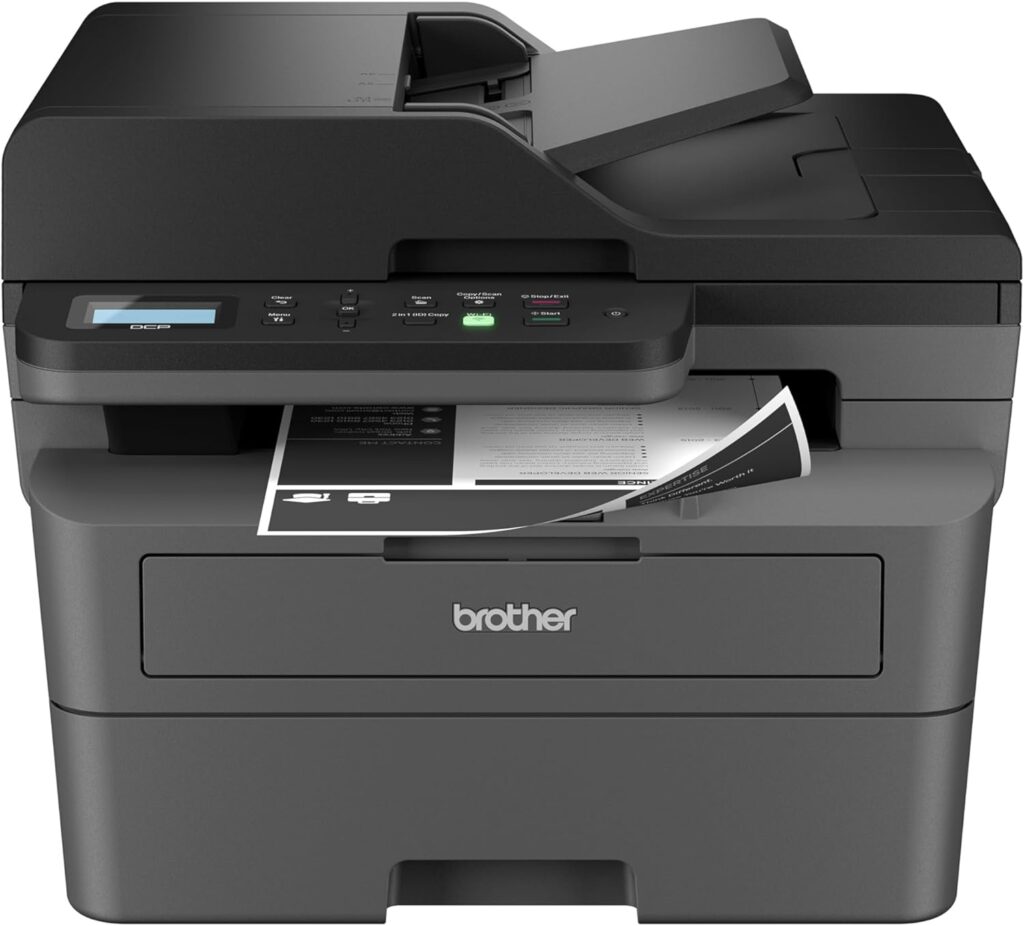
However, this convenience comes at a cost. All-in-one printers typically cost 30-50% more than comparable single-function models. Additionally, at the same price point, a dedicated printer will usually deliver better print quality and faster speeds than a multifunction device.
Single-function printers excel at one thing: printing. They’re more affordable, often more reliable because there are fewer components to malfunction, and they deliver superior print quality in their price range. If you rarely need scanning or copying capabilities and have access to these services elsewhere, a single-function printer is the smarter investment.
My recommendation: Choose all-in-one if you scan or copy at least once per week. Otherwise, save your money and get a dedicated printer with better performance.
2. Print Speed: Does It Really Matter?
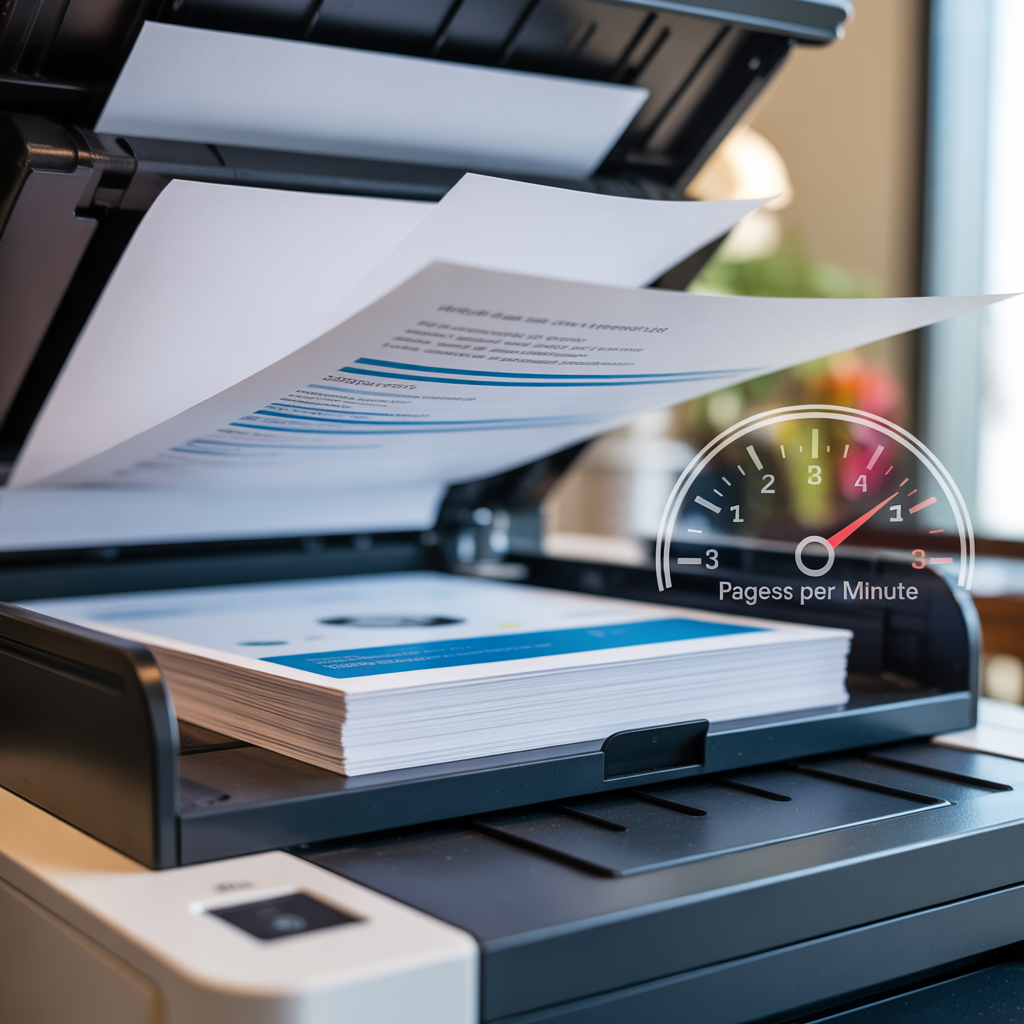
Print speed is measured in pages per minute (PPM), and manufacturers love to advertise this specification prominently. But here’s what they don’t always tell you: advertised speeds rarely match real-world performance.
Most home printers operate between 10-20 PPM for black and white documents, with color printing significantly slower. Office-grade machines can reach 30+ PPM, but you’ll pay premium prices for that speed.
I initially obsessed over print speed when buying my current printer, but after a year of use, I realize it matters far less than I thought for home use. Printing a 10-page document takes about a minute on my 15 PPM printer. Would saving 20 seconds justify spending an extra $200? Not for me.
However, if you regularly print 50+ page reports, prepare materials for meetings, or run a small business where time equals money, faster speeds become genuinely valuable. Students printing lengthy assignments the night before they’re due will also appreciate every second saved.
Consider your actual use case. If you print occasionally and in small batches, a mid-range speed is perfectly adequate. Save the premium for features that matter more in daily use.
3. Paper Compatibility: More Than Just A4
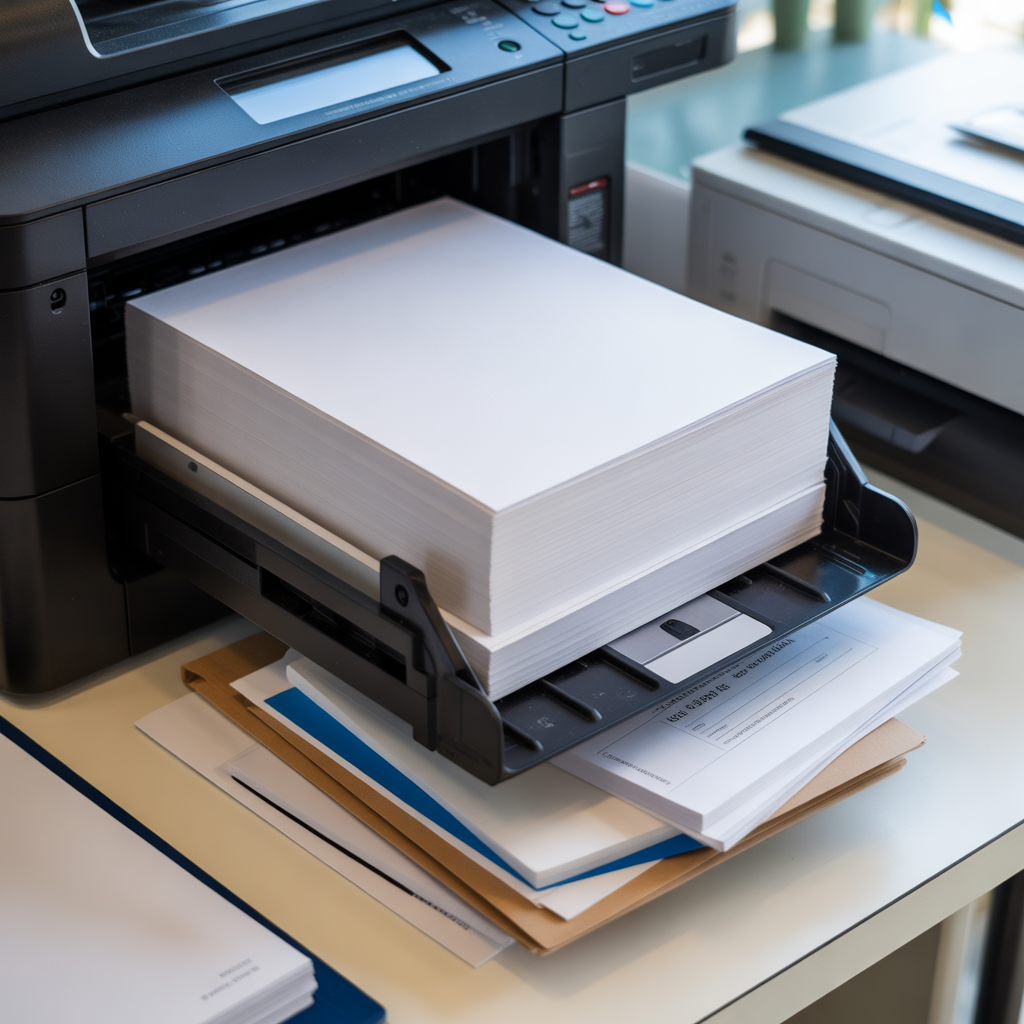
Paper support is one of those unglamorous features people overlook until they desperately need it. Not all printers handle the same paper sizes or types, and discovering this limitation after purchase creates genuine frustration.
Standard A4 paper works with virtually every printer, and for most people, that’s sufficient. I print primarily A4 documents with occasional A5 needs, which my printer handles without issue. But if you work with legal documents, architectural plans, marketing materials, or posters, you’ll need a printer that accommodates larger formats like A3 or tabloid sizes.
Paper type matters just as much as size. Plain copy paper is universal, but specialty applications require specialty papers. Photographers need printers that handle heavy glossy photo paper. Crafters require cardstock compatibility. Small business owners might need envelope printing capabilities.
I learned this lesson when trying to print holiday cards on cardstock. My printer, designed for standard paper, jammed repeatedly and produced smudged results. A friend’s printer, which specifically supported heavier media, handled the same job flawlessly.
Paper tray capacity is another practical consideration. My printer holds about 100 sheets, which I refill every few weeks. This works fine for my light use. But if you’re printing regularly or in bulk, constantly refilling a small tray becomes tedious. Some business-oriented printers offer 250-500 sheet capacities that can handle days or weeks of heavy use.
4. Inkjet vs Laser: The Most Important Decision
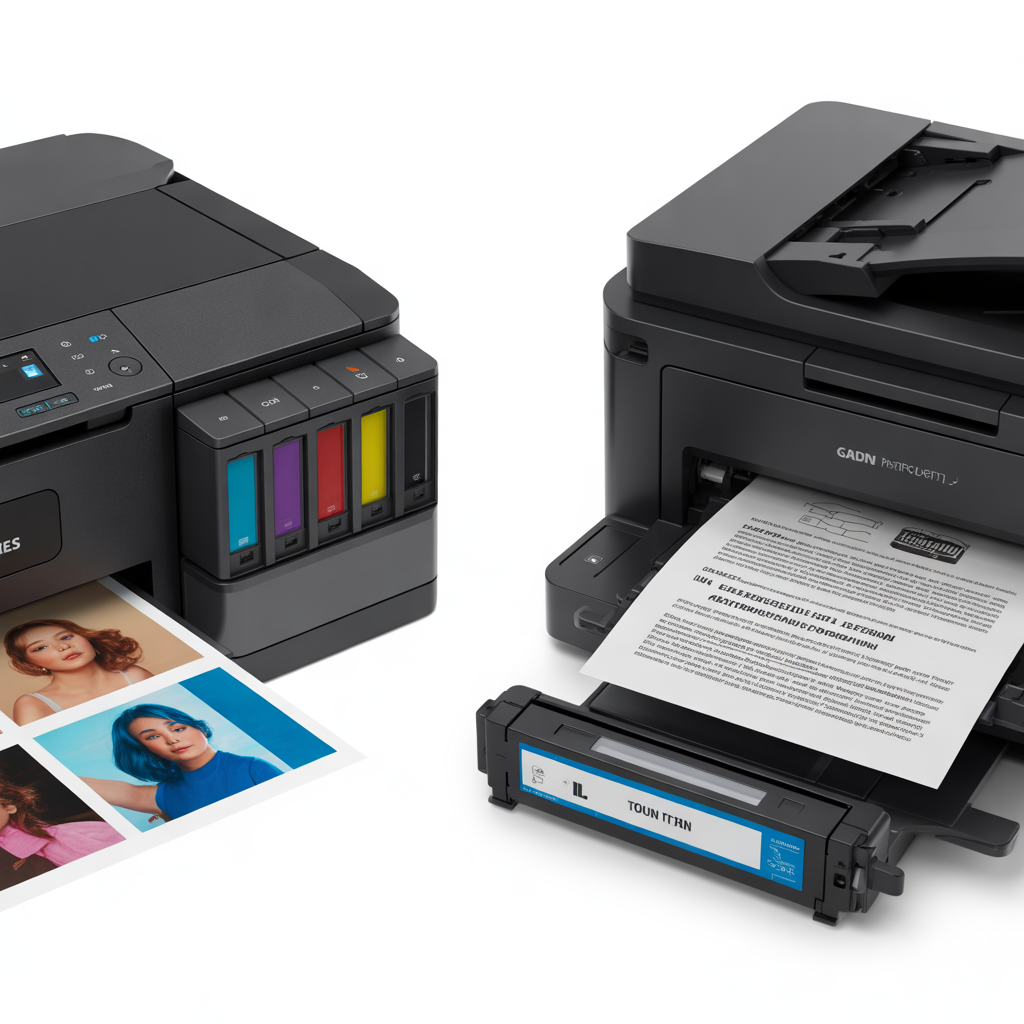
This choice fundamentally impacts your printing costs, quality, and experience. I’ve owned both types, and each excels in different scenarios.
Inkjet printers use liquid ink cartridges and excel at producing vibrant, high-quality color prints and photos. They’re more affordable upfront, typically ranging from $50-$300 for home models. Inkjets are versatile, handling everything from text documents to glossy photos with impressive results.
The catch? Ink cartridges are expensive and deplete quickly. I’ve spent $60-$80 every few months replacing ink cartridges, often exceeding the printer’s original cost within a year. Ink can also dry out if you don’t print regularly, wasting money even when the printer sits idle.
Laser printers use toner powder instead of liquid ink, making them ideal for high-volume text printing. They’re significantly faster, produce crisp text, and toner cartridges last far longer than ink. While laser printers cost more initially ($200-$600 for home models), the per-page cost is substantially lower.
I switched to a laser printer when I realized I was printing primarily text documents. My toner cartridge has lasted over a year and printed thousands of pages, something impossible with inkjet. The money saved on consumables has already offset the higher purchase price.
However, color laser printers are expensive, and they don’t match inkjets for photo quality. If you need to print photos or require vibrant color graphics, inkjet remains the better choice.
My recommendation: Choose laser if you print primarily text documents in moderate to high volumes. Choose inkjet if you print photos, need excellent color quality, or print infrequently.
5. Connectivity Options: Wireless Freedom vs Wired Reliability
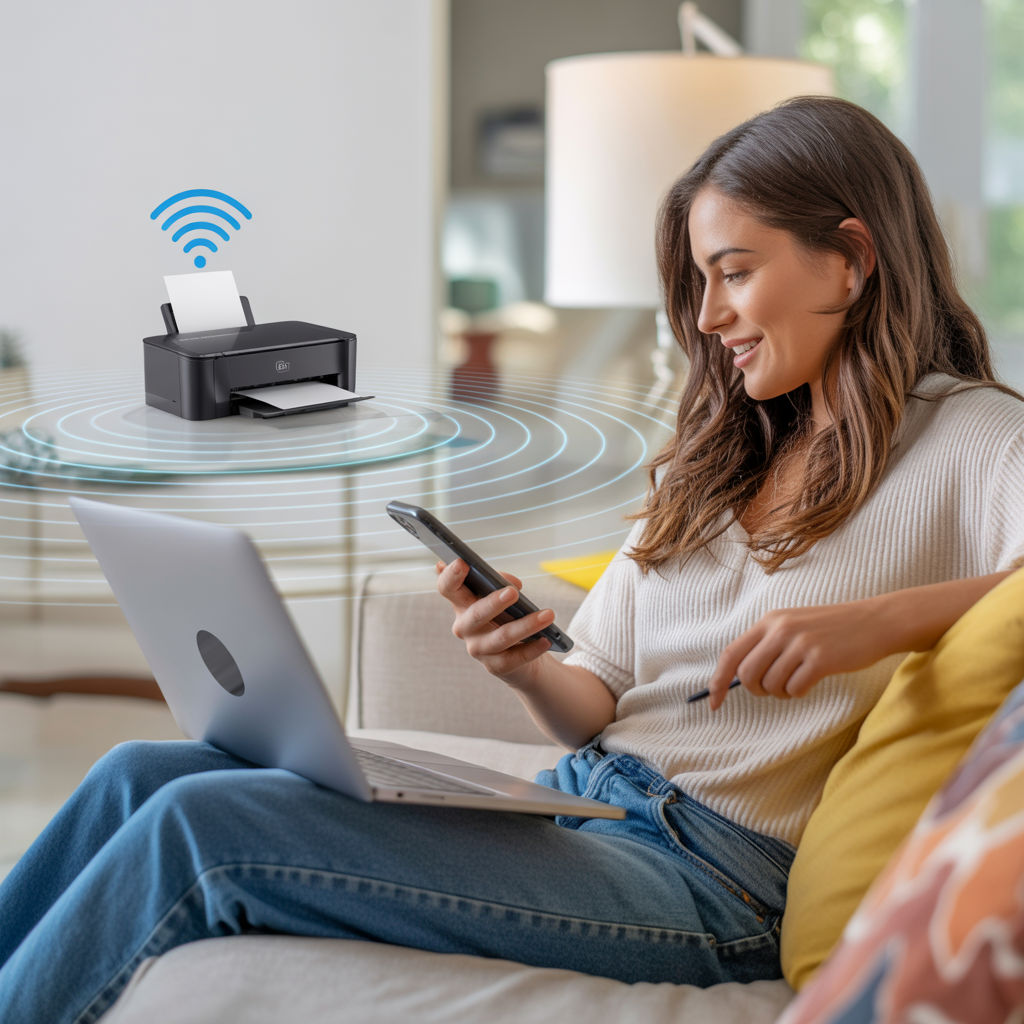
Connectivity dramatically impacts your day-to-day printing experience, yet many people treat it as an afterthought.
Wi-Fi connectivity has transformed how I use my printer. I can print from my laptop in the living room, send documents from my phone while traveling, or let my partner print from their office upstairs. Multiple family members can access one printer without cable swapping or computer sharing.
Modern wireless printers support various protocols including Wi-Fi Direct, AirPrint for Apple devices, and Google Cloud Print alternatives. Many offer mobile apps that enable printing, scanning, and printer management from smartphones. This flexibility is genuinely liberating once you experience it.
The downsides? Wireless printers cost 20-40% more than comparable wired models. Wi-Fi connectivity can occasionally be finicky, requiring troubleshooting when networks change or devices don’t connect properly. Some users also have legitimate security concerns about network-connected printers.
Wired USB printers are straightforward, reliable, and cheaper. You plug them directly into your computer, install drivers, and they work consistently. If you print exclusively from one computer in a fixed location, a wired connection is perfectly adequate and saves money.
I personally won’t go back to wired connections. The convenience of wireless printing from any device anywhere in my home is worth the extra cost and occasional troubleshooting. But your needs may differ.
6. Portability: Do You Need Printing On the Go?
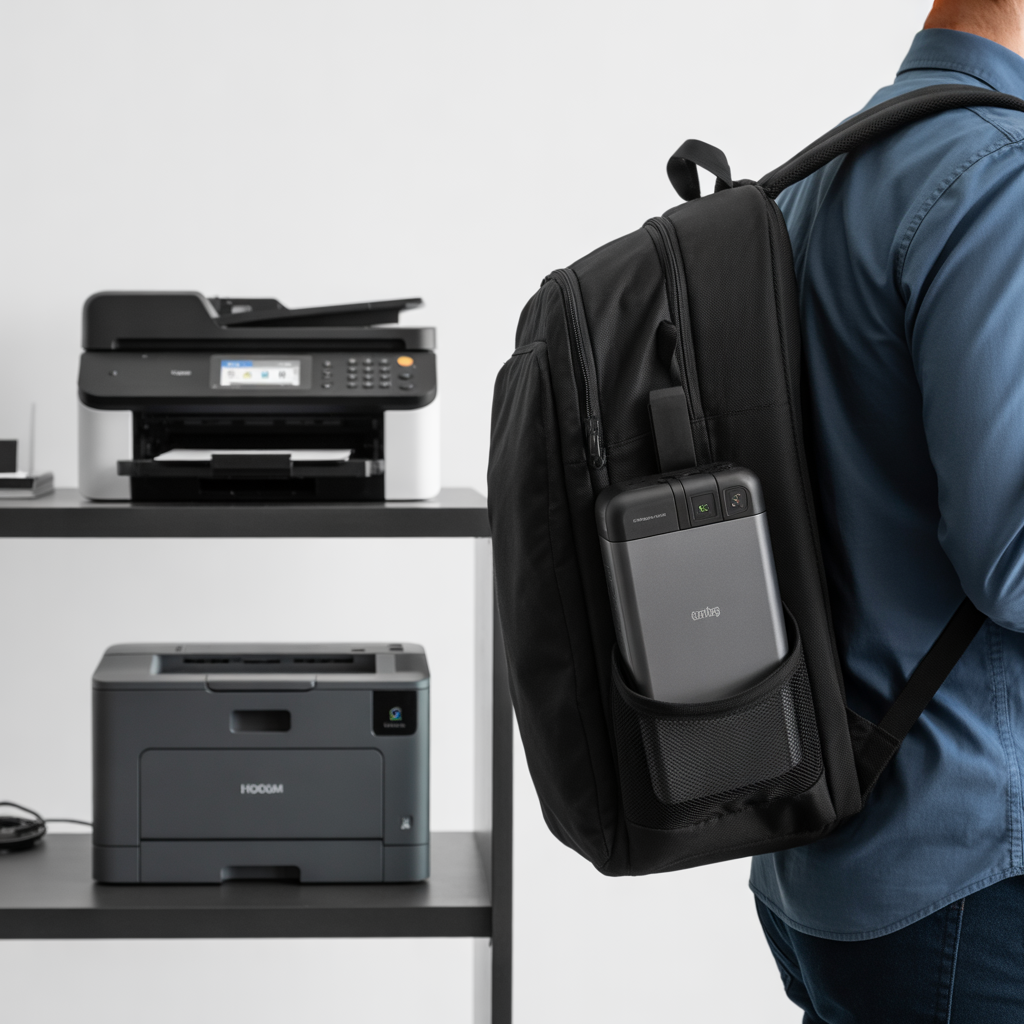
Portability matters little to most home users but is critical for specific use cases.
My printer is reasonably compact and fits comfortably on a bookshelf. I can move it between rooms if needed, but it’s not something I’d pack for travel. This level of portability suits most people perfectly well.
However, portable printers serve genuine needs for certain professionals. Real estate agents printing contracts at showings, insurance adjusters generating reports on-site, or photographers providing instant prints at events all benefit from truly portable printers.
Portable printers are small, lightweight, and often battery-powered. They’re engineering marvels that fit in a backpack yet produce decent quality prints. The trade-offs include limited functionality, slower speeds, smaller paper capacity, and higher costs relative to their capabilities.
Unless you have a specific need to print away from home or office, standard-sized printers offer far better value and performance.
7. The Hidden Costs: What Nobody Tells You
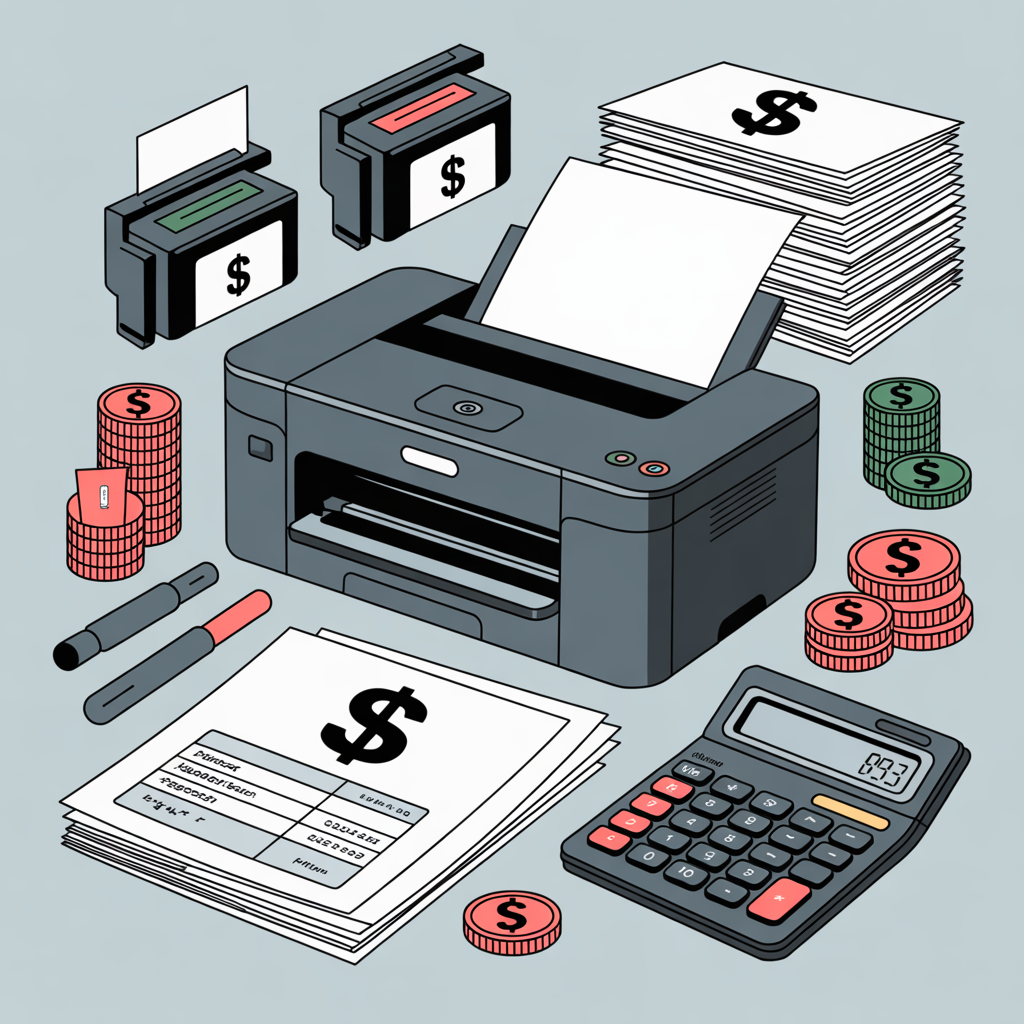
This is perhaps the most important section of this guide because ongoing costs often exceed the printer’s purchase price.
Before buying my current printer, I naively focused only on the sticker price. What I didn’t calculate was the total cost of ownership over three to five years. This oversight proved expensive.
Ink or toner represents the largest ongoing expense. Standard ink cartridges might cost $30-$40 and last for 200-300 pages. If you print 100 pages monthly, you’re spending $120-$160 annually just on ink. Over five years, that’s $600-$800 on a printer you bought for $100.
Laser toner costs more upfront ($60-$100) but lasts for 1,500-3,000 pages, dramatically reducing per-page costs. This is why I eventually switched to laser despite the higher initial investment.
Paper costs accumulate too, especially if you use specialty media. Standard copy paper is affordable, but photo paper, cardstock, or specialty papers significantly increase operating costs.
Maintenance presents another hidden expense. Print heads clog, rollers wear out, and components fail. While most issues can be resolved with cleaning or minor repairs, some eventually require professional service or replacement.
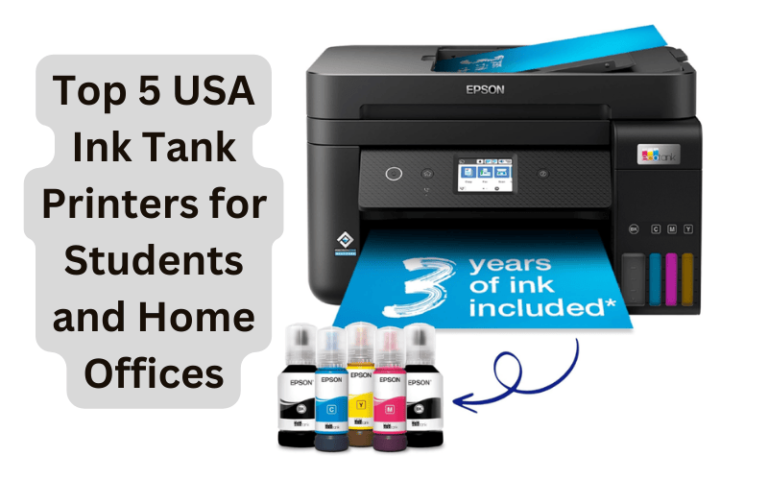
The newest solution to this problem is refillable ink tank systems like Epson’s EcoTank line or HP’s Smart Tank series. These printers cost more upfront ($300-$500) but come with enough ink to print thousands of pages. Refill bottles cost $15-$30 and last for extended periods, reducing per-page costs to pennies.
I wish I’d known about these options before my first purchase. If you print regularly, the math strongly favors refillable systems despite their higher initial cost. Calculate your expected three-year printing volume and compare total costs including consumables, not just purchase price.
Making Your Final Decision
Buying a new printer requires balancing multiple factors against your actual needs and budget. The perfect printer for someone else might be completely wrong for you.
Start by honestly assessing your printing habits. Track what you actually print for a few weeks before deciding. This data will prove far more valuable than any specification sheet.
Consider your three-year total cost of ownership, not just the purchase price. A $400 printer with cheap consumables often costs less long-term than a $100 printer with expensive ink.
Read reviews from actual users, not just professional reviewers. Real-world experience reveals issues that laboratory testing misses. Pay particular attention to reliability feedback and long-term cost experiences.
If possible, check the printer’s physical dimensions and ensure it fits your space. I’ve seen people buy printers that don’t fit their desk, creating immediate buyer’s remorse.
Finally, buy from retailers with good return policies. Even with careful research, sometimes a printer just doesn’t work well for your specific situation. Having the option to return it provides valuable peace of mind.
Conclusion
Buying a new printer in 2026 doesn’t have to be overwhelming. By focusing on your actual needs rather than impressive-sounding specifications, you can find a printer that serves you well for years without breaking your budget.
Remember that the cheapest printer is rarely the most economical choice once you factor in ongoing costs. Invest time in research now to avoid expensive mistakes later.
The printer market offers excellent options at every price point and use case. With the insights shared in this guide based on real experience and industry expertise, you’re well-equipped to make a confident, informed decision.
FAQs
1. What’s the most important factor when buying a new printer in 2026?
The most important factor is understanding your actual printing needs and calculating the total cost of ownership over 3-5 years, not just the purchase price. A cheap printer with expensive ink can cost significantly more long-term than a pricier model with affordable consumables.
2. Should I buy an inkjet or laser printer for home use?
Choose inkjet if you print photos or need excellent color quality and print infrequently. Choose laser if you primarily print text documents in moderate to high volumes. Laser printers have higher upfront costs but much lower per-page costs, making them more economical for regular use.
3. Are wireless printers worth the extra cost?
Wireless printers are worth the investment if multiple people need to use the printer or you want to print from various devices throughout your home. The convenience of printing from smartphones, tablets, and laptops without cable connections justifies the 20-40% price premium for most users.
4. How much should I expect to spend on printer ink annually?
For standard inkjet printers, expect to spend $120-$200 annually on ink if you print moderately (50-100 pages monthly). Laser printer toner costs $60-$100 per cartridge but lasts much longer, typically reducing annual costs to $50-$80. Refillable ink tank systems can reduce costs to $20-$40 annually.
5. What print speed do I need for home use?
For typical home use with occasional printing, 10-15 pages per minute is adequate. Students or home office users printing more frequently should consider 15-20 PPM. Only high-volume users printing 50+ pages regularly need speeds above 20 PPM, which come with significant price premiums.
6. Do I need an all-in-one printer or just a basic printer?
Buy an all-in-one printer if you scan or copy documents at least once weekly. The convenience and space savings justify the 30-50% price premium. If you rarely need scanning or copying and can access these services elsewhere, a single-function printer offers better print quality and value.
7. What paper sizes should my printer support?
Most users only need A4/Letter size support, which is standard on nearly all printers. If you work with legal documents, marketing materials, or posters, ensure your printer supports larger formats like A3 or tabloid. Also verify it handles any specialty paper types you need, such as cardstock or photo paper.
8. Are refillable ink tank printers like EcoTank worth buying?
Refillable ink tank printers are excellent investments if you print regularly (100+ pages monthly). Despite higher upfront costs ($300-$500), they reduce per-page costs to pennies compared to dollars for cartridge-based systems. The savings typically offset the purchase price within 1-2 years for moderate users.
9. How do I calculate the true cost of owning a printer?
Calculate total cost of ownership by adding: purchase price + (estimated pages per month × cost per page × 36 months) + estimated paper costs + potential maintenance. This reveals the true three-year cost, helping you compare options accurately. Often, expensive printers with cheap consumables cost less overall.
10. What warranty should I look for when buying a printer?
Look for at least a one-year manufacturer’s warranty covering parts and labor. Many quality printers offer 2-3 year warranties. Consider extended warranties only if you print heavily and the printer is business-critical. Read warranty terms carefully, as many exclude ink/toner and only cover mechanical failures.